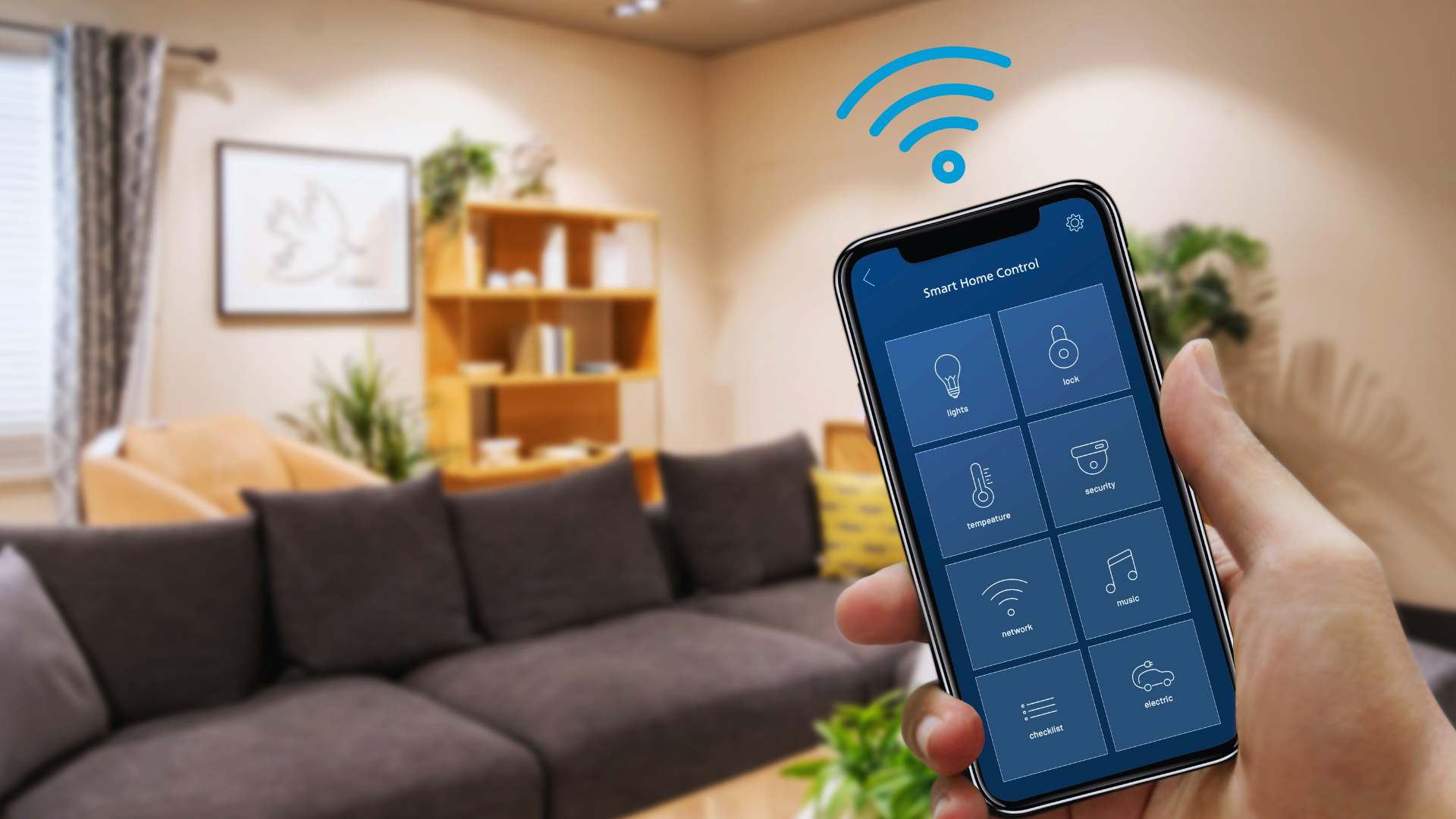

Transforming a home into a connected haven doesn’t have to break the bank. By strategically choosing affordable smart devices and leveraging DIY solutions, anyone can create a functional smart home environment. This approach allows for a seamless integration of technology that enhances convenience and efficiency without overspending.
Budget-friendly smart home options are now more accessible than ever, offering a range of devices that cater to various needs. From smart speakers to security cameras, homeowners can mix and match products to suit their lifestyles. Emphasizing energy efficiency and security can lead to long-term savings, making smart investments even more appealing.
Planning and research play crucial roles in building a connected home on a budget. Individuals should consider their priorities and focus on essential devices that provide the most value. This thoughtful approach ensures that their smart home journey is both practical and economically feasible.
Getting Started With a Connected Home on a Budget
Building a connected home on a budget involves careful planning and smart choices. Focusing on essential needs and compatible technology can help create an effective smart home setup without overspending.
Assessing Your Smart Home Needs
Identifying specific needs is crucial for a budget-friendly smart home. Start by determining which areas of the home require automation. Common focuses include lighting, security, and temperature control.
Consider existing devices and technology that can integrate into a smart home ecosystem. Questions to ask include:
- Which devices do they already own?
- What tasks do they want to automate?
- Are there specific security concerns?
Creating a prioritized list of needs can streamline the shopping process.
Establishing a Budget-Friendly Action Plan
Establish a clear budget for the smart home setup. Determine how much can be spent monthly or as a total investment.
List potential devices and associated costs, factoring in ongoing expenses like subscriptions or maintenance. A structured plan may look like this:
| Device Category | Estimated Cost |
| Smart Lights | $50 – $150 |
| Security Cameras | $100 – $300 |
| Smart Thermostat | $100 – $250 |
By setting realistic price ranges, it becomes easier to choose compatible technology without exceeding financial limits.
Selecting the Right Smart Home Ecosystem
Choosing the correct smart home ecosystem is key. Popular options include Google Home, Amazon Alexa, and Apple HomeKit. Each offers distinctive compatibility with various devices.
Evaluate the brands and products each ecosystem supports. This guide can assist:
- Google Home: Works well with Nest products.
- Amazon Alexa: Offers a wide range of compatible devices.
- Apple HomeKit: Prioritizes security and privacy.
Prioritizing compatibility ensures a seamless experience and avoids extra costs for devices that do not integrate well.
Choosing Compatible Devices and Protocols
Selecting the right devices and communication protocols is crucial for creating a connected home. This ensures all components work together seamlessly, maximizing functionality while staying within budget.
Understanding Smart Home Protocols
Smart home devices communicate through various protocols. Key options include Bluetooth Low Energy (BLE), Zigbee, and Z-Wave. Each protocol has its strengths and weaknesses.
- BLE: Ideal for short-range connections, commonly found in wearables and simple devices. It consumes less power but offers a limited range.
- Zigbee: Operates on the 2.4 GHz frequency, designed for low-power devices. Zigbee can connect up to 65,000 devices in a mesh network, making it ideal for home automation.
- Z-Wave: Works on sub-GHz frequencies, providing a reliable connection with less interference. It’s suitable for larger homes due to its range and good security features.
Choosing a protocol depends on specific needs, including the range and number of devices.
Ensuring Device Compatibility
Compatibility between devices and protocols can be complex. To ensure a harmonious system, consider the following:
- Check Protocols: Not all devices support every protocol. Verify that a device meets the protocol standards needed for the existing system.
- Brand Ecosystem: Opting for devices from the same brand or compatible ecosystems often simplifies installation and operation.
- Read Reviews: User experiences can provide insights into issues that may arise with specific combinations of devices.
- Smart Hubs: Using a hub like SmartThings or Hubitat can bridge different protocols, allowing diverse devices to work together.
The goal is to create a cohesive environment where smart home devices interact smoothly, enhancing usability without unnecessary costs.
Essential Affordable Smart Home Devices
Building a connected home doesn’t have to be expensive. Simple yet effective devices can enhance usability and convenience while keeping costs low.
Smart Lighting Solutions
Smart lighting solutions provide both convenience and energy efficiency. Affordable options like LED smart bulbs can be controlled remotely. Brands such as Philips Hue and Wyze offer options that fit various budgets.
Homeowners can set schedules or adjust brightness with smartphone apps or voice commands. Smart lighting enhances security by simulating occupancy when away. Installing smart light switches adds another layer of control, allowing traditional bulbs to be automated.
For a budget-friendly solution, consider the TP-Link Kasa Smart Bulbs or LIFX Mini. These devices integrate easily with other smart home systems and support voice modulation with platforms like Alexa and Google Assistant.
Integrating Smart Plugs and Switches
Smart plugs and switches can transform ordinary appliances into smart devices. Smart plugs allow users to control lamps, fans, and other electronics remotely.
Popular brands include TP-Link, Kasa, and Eve Energy, providing affordable options for automation. By scheduling devices to turn off or on, users can save energy and manage usage effectively.
Smart switches enable the control of hardwired fixtures. These can convert existing lights into smart solutions without replacing them. Reliable budget options exist from brands like Lutron and Leviton. These devices help maximize convenience without excessive spending.
Cost-Effective Security Cameras and Sensors
Home security is crucial for safety, and affordable smart security cameras help achieve this without breaking the bank. Models like the Blink Mini offer good quality at a lower price point, featuring HD video and two-way audio capabilities.
These cameras integrate with app platforms, allowing users to monitor their home remotely. Additionally, smart sensors help detect motion or unexpected activity, adding a layer of security.
For budget-conscious homeowners, options like Ring Stick Up Cam or Wyze Cam are effective choices that provide essential features without high costs. They can send alerts and integrate with existing smart home setups seamlessly.
Budget-Friendly Smart Thermostats
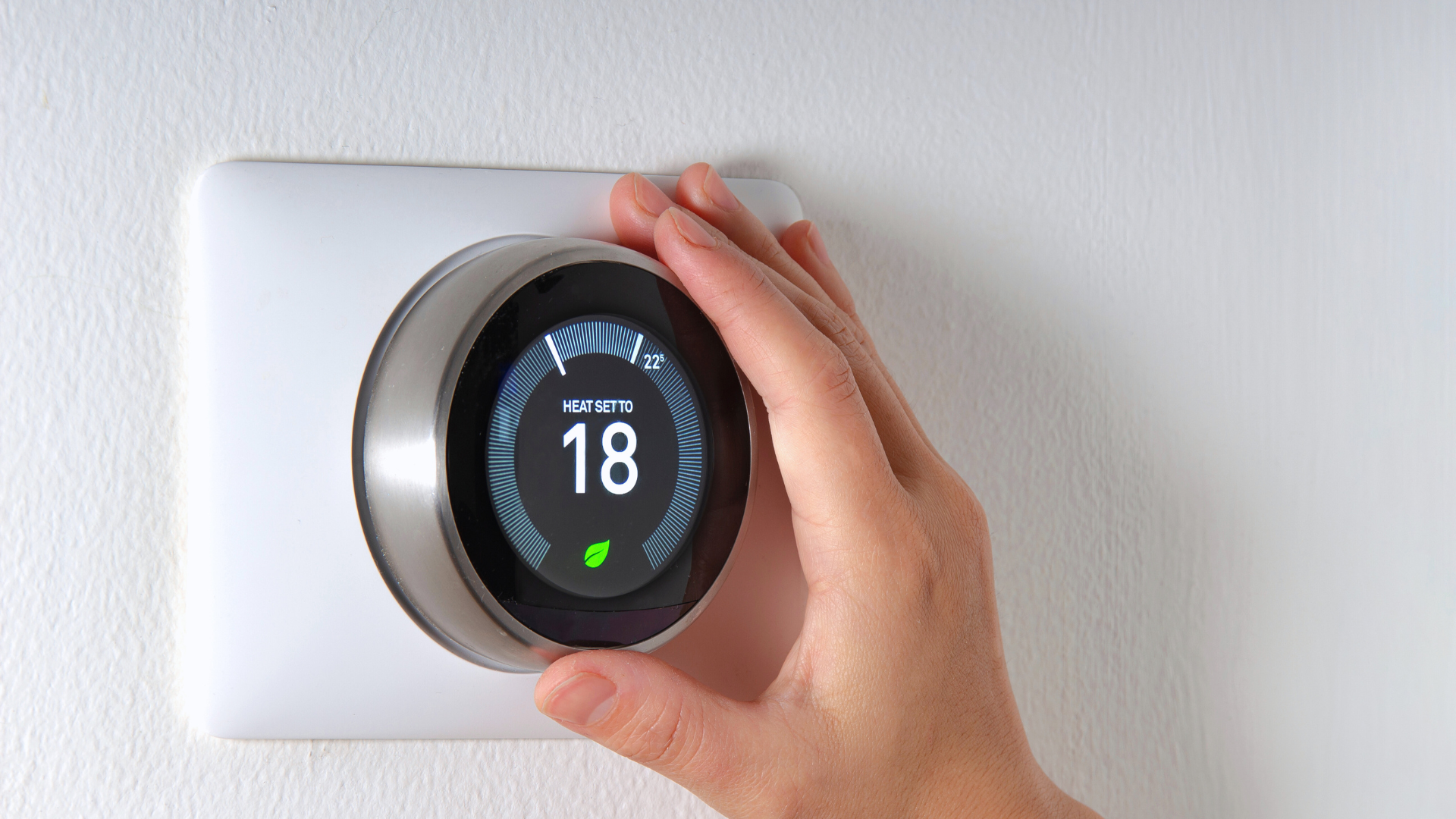
Smart thermostats like the Google Nest Thermostat and Ecobee Lite bring energy savings through temperature control. These devices can learn user habits and adjust heating/cooling accordingly, reducing energy bills.
Installing a smart thermostat usually requires minimal effort and can often be done DIY. They also enable remote adjustments through smartphone apps, ensuring efficiency regardless of location.
Budget options often provide essential features such as scheduling and energy reports. Choosing the right device can enhance comfort while maintaining cost-effectiveness in home heating and cooling systems.
Maximizing Value With Voice Assistants and Automation
Voice assistants and home automation can significantly enhance a connected home experience. By selecting the right voice assistant and implementing automation, homeowners can manage their space more efficiently without overspending.
Choosing the Best Voice Assistant
Selecting a voice assistant is crucial for maximizing home automation. Popular options include Amazon Alexa, Google Assistant, and Apple’s Siri. Each platform offers unique features and compatibility with various devices.
Alexa, for example, works seamlessly with devices like the Echo Dot, providing access to thousands of skills and integrations. It can manage smart lights, thermostats, and security systems. Users should assess their existing devices for compatibility before choosing a voice assistant.
Factors to consider include:
- Device compatibility: Ensure the assistant works with your smart devices.
- Skills availability: Look for a wide range of compatible applications.
- User interface: Choose one that feels intuitive to operate.
Setting Up Automation and Scenes
Setting up automation enhances the convenience of a connected home. Most voice assistants allow users to create scenes and routines based on specific triggers.
For instance, users can program lights to turn off automatically at bedtime or adjust thermostats based on occupancy. This not only saves energy but also simplifies everyday tasks.
To create effective automations:
- Identify common tasks: Focus on routines that can be automated, like turning on lights when entering a room.
- Use the app: Most voice assistants provide apps that enable users to set triggers and scenes.
- Combine devices: Integrate various devices for a cohesive experience, such as linking smart locks with an alarm system.
Efficient use of voice assistants can provide significant value while adhering to a budget.