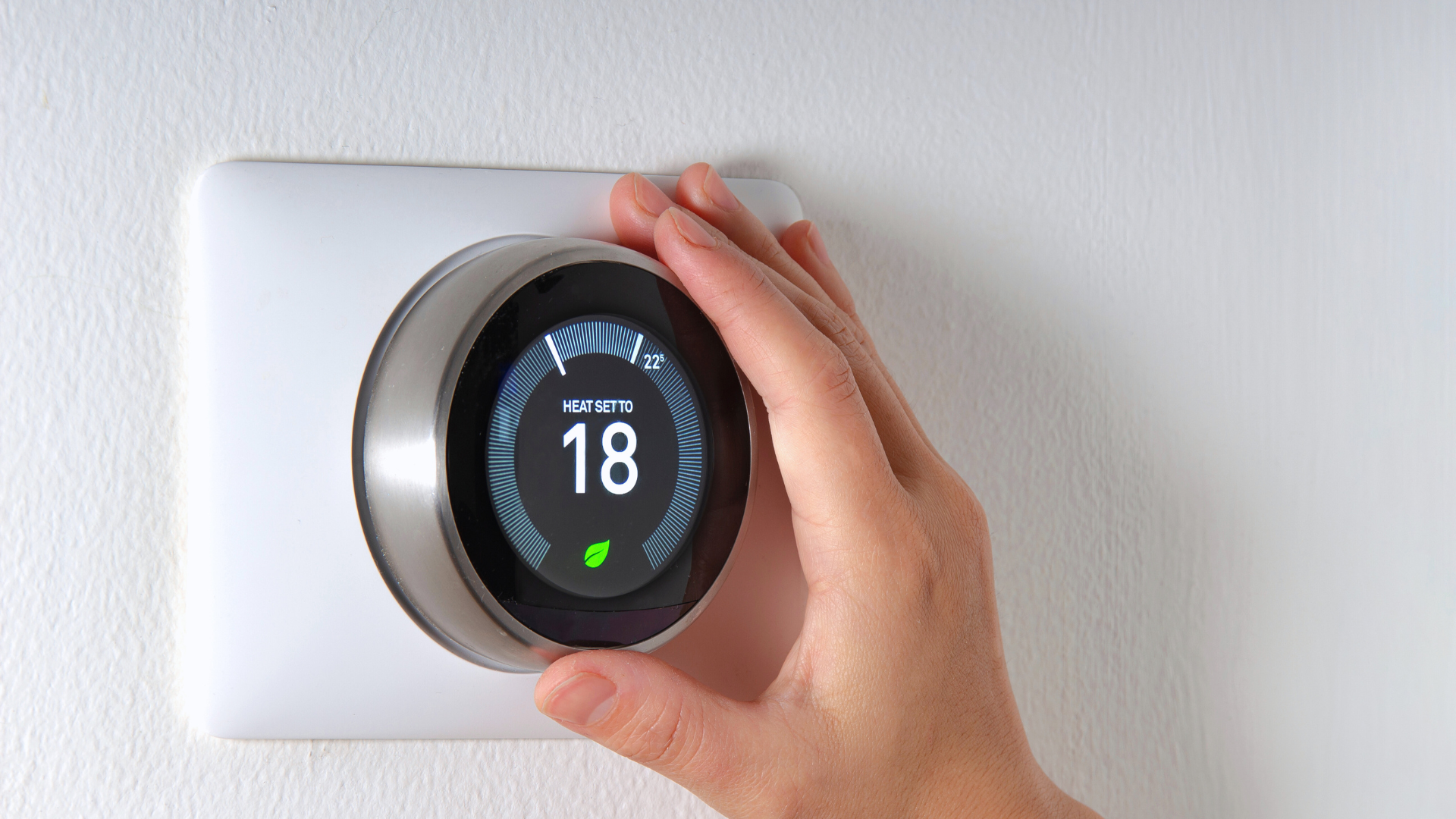

Home automation offers convenience and efficiency, allowing individuals to control various devices within their living spaces from their smartphones or voice assistants. Setting up a home automation system on a budget is entirely possible by prioritizing essential devices and exploring cost-effective solutions. With the right approach, anyone can transform their home into a smart home without overspending.
The first step is to identify the key areas where automation can enhance daily life, such as lighting, security, and climate control. Smart bulbs, plugs, and basic sensors are often available at reasonable prices and can be integrated into a cohesive system. By selecting devices that work together seamlessly, users can create a functional network that simplifies their routines while maintaining their budget.
In addition to choosing the right devices, utilizing open-source platforms can further reduce costs. Many budget-friendly automation systems allow for customization and expansion over time. By staying informed about the latest trends and technologies in home automation, individuals can continue to upgrade their systems without financial strain.
Planning Your Budget Home Automation Setup
Creating a budget home automation system requires careful planning. Cost-effective strategies can help implement smart technology efficiently while maximizing convenience and functionality.
Identifying Your Smart Home Needs
Before purchasing devices, she should assess her specific needs. Make a list of essential functions desired, such as security, energy management, or convenience enhancements.
Consider the following:
- Home security: Smart cameras, doorbells, or locks.
- Climate control: Smart thermostats or sensors.
- Lighting: Smart bulbs or switches.
Next, prioritize these needs based on daily routines and lifestyle. Setting clear goals will aid in avoiding unnecessary expenditures while focusing on what is important.
Selecting Budget-Friendly Smart Devices
When selecting devices, it’s important to research options that provide good functionality at lower prices. Major retailers often have sales and clearance sections featuring quality smart devices.
Key factors to consider include:
- Compatibility: Ensure devices work with existing systems or each other.
- User reviews: Look for reliability and ease of use.
- Smart hubs: Consider whether a hub is needed for integration.
Shopping during special events like Black Friday or Cyber Monday can lead to significant savings on popular devices.
Prioritizing Automation for Convenience
To enhance convenience, focus on automating repetitive tasks. This not only saves time but also improves efficiency.
Examples include:
- Scheduling lights to turn on/off at specific times.
- Automating thermostat adjustments based on occupancy.
- Utilizing smart plugs to control appliances remotely.
Evaluate which automations would make daily life easier and contribute most to her overall comfort. By strategically aligning tasks with technology, she can maximize her home automation experience within a budget.
Choosing Compatible Platforms and Devices
Selecting the right platforms and devices is crucial for a home automation system, especially when working with a budget. Understanding how these elements interact can significantly enhance functionality and usability.
Understanding Voice Assistants and Ecosystems
Voice assistants play a central role in home automation. Devices such as Amazon Alexa and Google Assistant serve as control hubs for smart devices.
- Amazon Alexa can integrate with a wide range of products, including the Amazon Echo Dot and Fire TV.
- Google Assistant offers compatibility with Google Nest Hub and Nest Mini devices.
Ecosystems can determine compatibility. For instance, HomeKit by Apple is limited to products that support its framework, such as the HomePod Mini. Understanding these ecosystems can guide choices that maximize the functionality of voice-controlled devices.
Ensuring Smart Home Compatibility
Compatibility is essential when investing in smart home devices. Checking for interoperability between devices can save money down the line.
Many products are designed to work seamlessly within their designated ecosystems. For instance, Govee and Kasa Smart devices are known for their broad compatibility with various systems.
When selecting devices, consider the following:
- Certifications like Works with Alexa or Google Home Compatible.
- Device protocols such as Zigbee or Z-Wave that enhance connectivity.
Opting for devices recognized for compatibility reduces the chances of technical issues during setup and use.
Comparing Popular Devices and Brands
Evaluating devices and brands is critical in finding budget-friendly options. Popular brands like Sengled, Govee, and Kasa Smart offer a variety of smart lighting and home products.
Key comparisons include:
| Brand | Type | Key Features |
| Sengled | Smart Bulbs | Energy-efficient, compatible with Alexa |
| Govee | LED Strips | Easy app control, multiple color options |
| Kasa Smart | Plugs and Lights | Affordable, reliable, and app-controlled |
When choosing devices, it’s also important to consider user reviews and compatibility with existing voice assistants. Brands that offer a range of budget-conscious solutions can often be more versatile, appealing to diverse automation needs.
Setting Up Essential Smart Home Categories on a Budget
Establishing a smart home system can be achieved with careful selection of essential devices that enhance convenience and security without breaking the bank. Key categories include smart lighting, plugs and outlets, thermostats, and security options.
Smart Lighting Solutions
Smart lighting is an accessible starting point for a budget-friendly home automation system. Standard LED smart bulbs can be found from brands like Wyze and Philips Hue. Prices typically range from $10 to $15 per bulb.
Motion sensors can be integrated for added functionality, allowing lights to turn on when someone enters a room. This not only saves energy but also adds an extra layer of convenience.
Consider using smart lighting systems that allow for mobile app controls and voice commands through virtual assistants. Simple setup and compatibility with existing fixtures make smart lighting an effective starting point.
Affordable Smart Plugs and Outlets
Smart plugs and outlets allow users to control devices remotely, offering a cost-effective solution for home automation. Basic models start around $10 each and can manage lamps, fans, and appliances.
These plugs can be programmed for schedules, enabling devices to turn on or off automatically. Additionally, energy monitoring features on some models help track usage patterns and reduce energy bills.
Look for options that support both smartphone apps and voice assistants. This versatility ensures compatibility with various other smart home products, enhancing their usefulness.
Basic Smart Thermostats
Basic smart thermostats provide seamless temperature control and energy savings. Models like the Wyze Thermostat are budget-friendly, often priced around $30 to $50.
Programmable settings enable users to create schedules that align with daily routines. This capability can lead to considerable savings on utility bills.
Wi-Fi connectivity allows for adjustments from anywhere through mobile apps. Some thermostats even provide energy usage reports, assisting in optimizing heating and cooling habits efficiently.
Inexpensive Smart Home Security Options
Enhancing home security does not have to be expensive. Budget-friendly security cameras, such as the Wyze Cam v3, are available for about $20. These cameras frequently feature HD video, two-way audio, and night vision.
In addition to cameras, smart doorbells offer another layer of security. They often come with motion detection features and live video streams. Basic models can be found for $50 to $100.
Integrating smart locks can further safeguard entry points. Affordable smart locks are accessible, enabling users to manage entry remotely and monitor who comes and goes. These options collectively form a comprehensive security system on a budget.
Maximizing Value and Expanding Your Home Automation System
Expanding a home automation system offers opportunities to enhance convenience and improve functionality while maximizing value. Focusing on compatibility, routines, and troubleshooting ensures users can effectively build on existing setups.
Integrating New Smart Devices Seamlessly
When adding new devices, it’s crucial to ensure compatibility with the existing system. This involves checking if devices work with the current voice assistant, such as Amazon Alexa or Google Assistant. Researching products on compatibility lists can save troubleshooting time later.
- Choose compatible brands – Prioritize devices manufactured by brands known for interoperability.
- Utilize platforms – Consider using platforms like SmartThings or HomeKit, which support various brands and devices.
Testing new devices personally can confirm effectiveness within the ecosystem. Following the setup instructions and running integration tests will enhance overall system performance.
Utilizing Routines and Automations
Leveraging routines adds efficiency and streamlines daily tasks. This involves programming your voice assistant to execute specific actions at designated times or in response to triggers.
- Create daily routines – Automate actions like adjusting lighting, temperature, or security settings based on user habits.
- Use conditional automations – Establish rules like turning on outdoor lights at sunset or locking doors when everyone leaves.
This coordinated approach elevates usability and provides effortless management. Regularly reviewing and updating routines ensures they remain relevant to evolving preferences or seasonal changes.
Troubleshooting Common Issues
When issues arise, diagnosing problems promptly can maintain system integrity. Common challenges include connectivity failures or device recognition problems.
- Check network connections – Ensure that all devices are within Wi-Fi range and that the network is stable.
- Update firmware – Regular updates can resolve bugs or enhance functionality.
Keeping a log of recurring issues aids in identifying patterns. Engaging with support forums or user communities can also provide solutions based on other users’ experiences. This proactive approach contributes significantly to maximizing a home automation system’s value.